
Query
SQL notebooks that commit like source
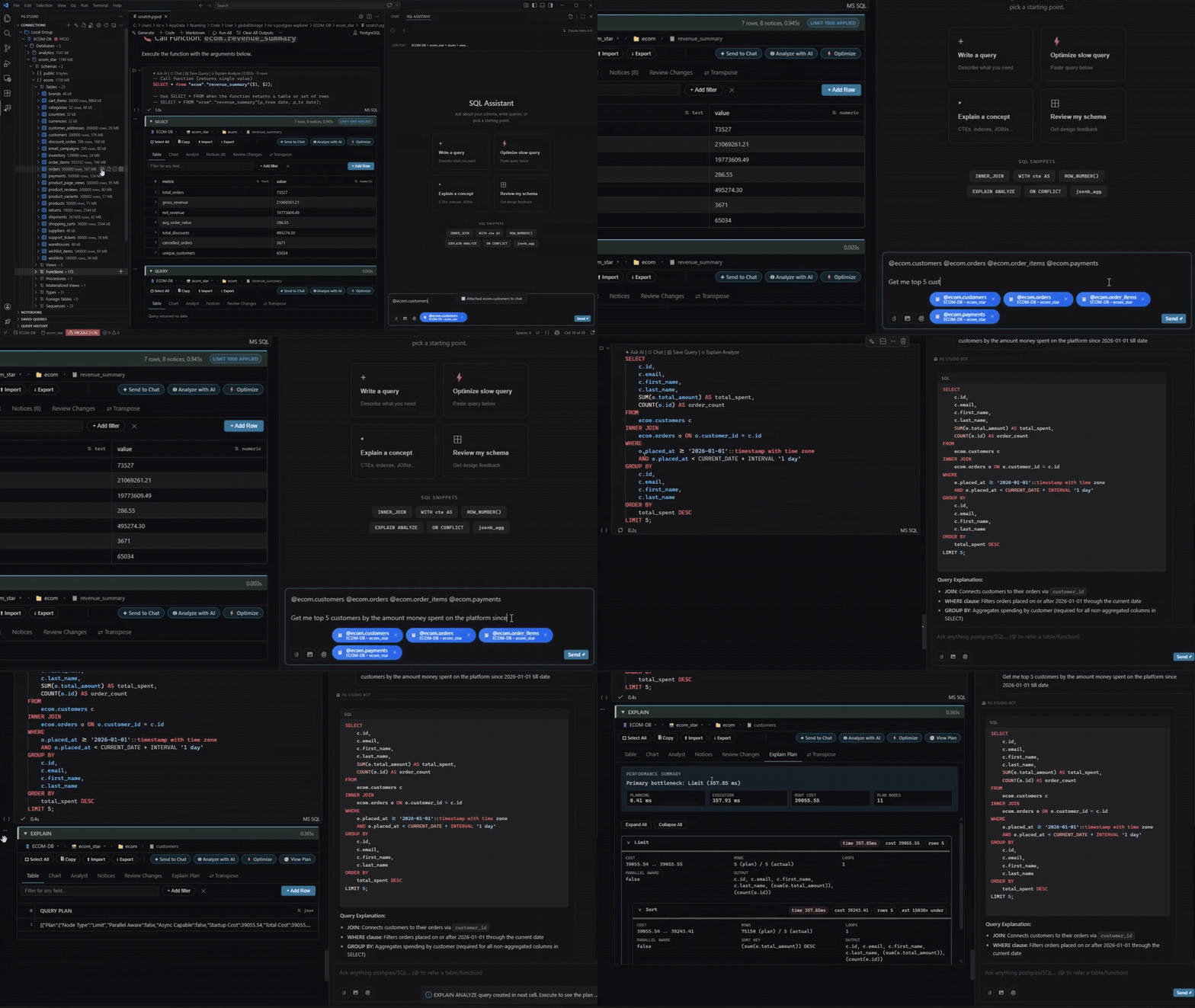
A .pgsql file holds SQL cells and markdown in one editor tab. Run one cell or the whole notebook, and results, charts and exports appear inline. The file is plain text, so it commits like any other source file.
Free
How you use it
- Create a notebook bound to a connection
Choose New Notebook, then pick a connection and database. The file lives in your repo as query.pgsql.
- Write SQL with schema-aware completions
Completions come from your live catalog: tables, columns and functions. Ctrl+Enter runs the active cell.
SELECT date_trunc('day', created_at) AS day, COUNT(*) AS orders FROM orders GROUP BY day; - Read results below the cell
Results show in a sortable grid with column stats. You can edit cells in the grid and commit with explicit SQL. Large results stream in.
- Export or save the query
Export CSV, JSON or Excel from the result footer. Save Query adds it to the Saved Queries sidebar with its connection.
Key facts
- Plan: Free
- Write and run cells
- Inline results and charts
- CSV, JSON and Excel export
- Query history and saved queries
Related features
Database explorerBrowse connections, databases, schemas and 16+ object types without leaving VS Code.SQL assistantAsk in plain English. The assistant grounds on your live schema and never runs SQL for you.Plan StudioRead EXPLAIN ANALYZE as a tree and flame graph, compare runs, and get index suggestions.